A bit more freedom
Get more out of your device.
SoftwareKit started as a way to bring helpful guides, utilities and resources together. It is for people who like exploring what their Apple devices can do.
SoftwareKit brings iPA signing, sideloading guides and useful device tools together in one place. No account needed, just the tools and information you came for.
I wanted a straightforward place for the tools and guides I use, without the extra noise.
SoftwareKit started as a way to bring helpful guides, utilities and resources together. It is for people who like exploring what their Apple devices can do.
Find signing tools, device information, Apple-related updates and sideloading resources in one clean, easy-to-use place.
A familiar, uncluttered interface that keeps the useful stuff easy to find.
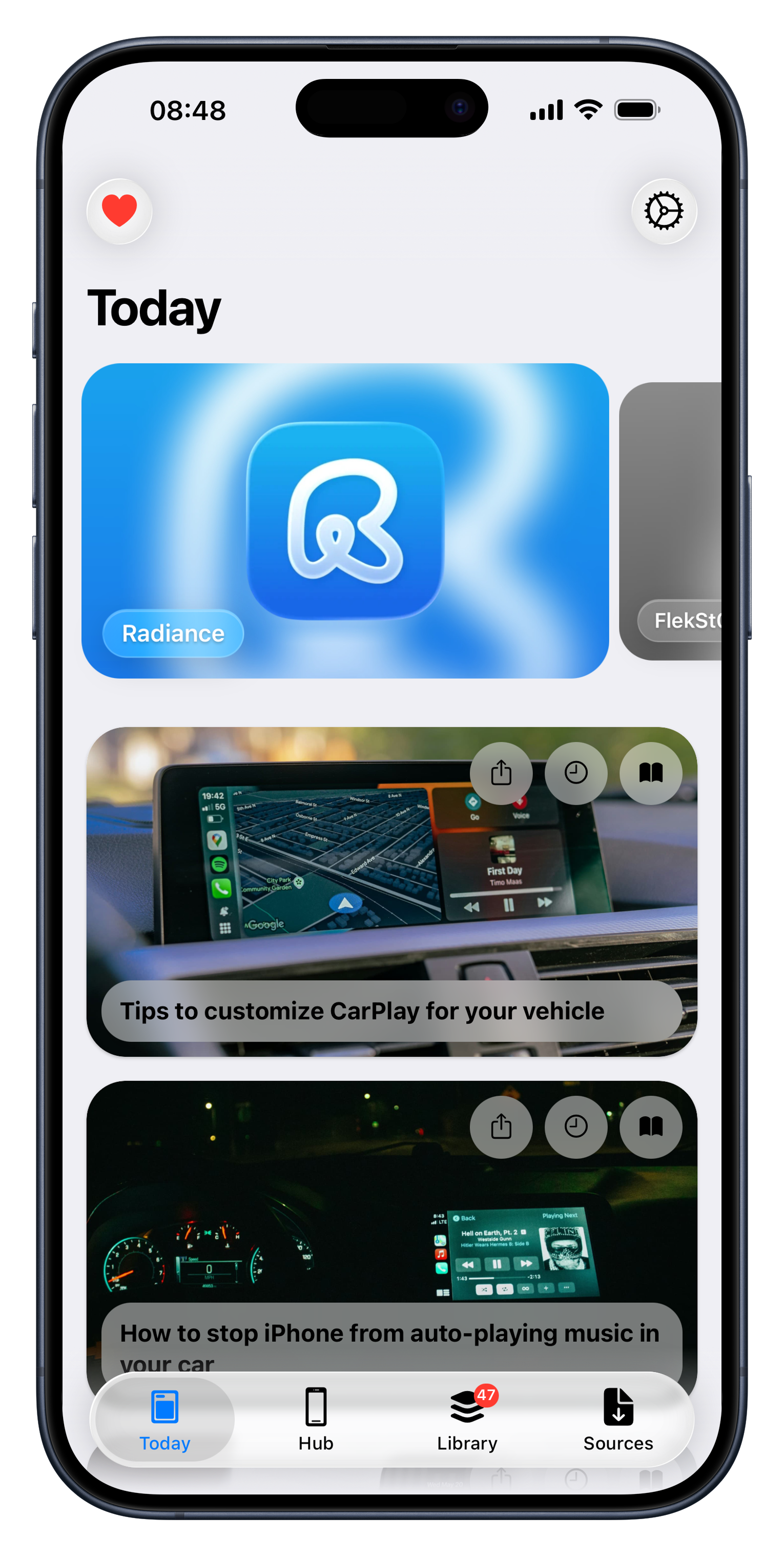

Open a tool, get what you need, and get on with your day.
Choose your file and follow the signing process without digging through a maze of menus.
Review your certificate details before trying to install an app.
Check specifications, find your UDID and view useful device information in one spot.
The layout adapts to the screen you are using, so the tools stay easy to read and use whether you are on an iPhone, iPad or Mac.
You should not have to hand over personal details just to use an app. SoftwareKit runs as a web app and is designed to avoid unnecessary permissions, accounts and advertising profiles. Your data should stay yours.
Share an idea, report a bug or see what is being worked on. Feedback from people who use SoftwareKit makes a difference.
Join the DiscordSoftwareKit is an independently developed open-source project. Contributions help with domain costs and future development.
Buy me a coffeeThe beta gives you a look at experimental features and UI updates before they reach the public release. Your feedback helps improve them.
Join the betaSoftwareKit has a place for current Apple devices and some older classics, too.
Use the tools on your Apple device through an interface designed to feel at home on a smaller screen.
Make use of the extra screen space to browse resources and work with the tools comfortably.
Older devices deserve some attention too. The legacy version supports iOS 4 through iOS 9.
As a solo developer, I want to be open about how SoftwareKit is made. Some people have called it “vibe coded,” so I thought it was worth explaining where AI has helped and where the work is still mine.
I do not see AI as a replacement for understanding the code or making the decisions. I use it as a tool when I hit a problem or need a hand with something unfamiliar, then test and refine the result myself.
AI-generated code rarely works perfectly on the first try. A lot of the work has been testing, debugging and rewriting until things behave as expected. The direction and decisions behind SoftwareKit are mine, and I continue to build and improve it myself.